

About The Renewed WOLVOX Demo License System
To use the new demo system, your control panel version must be at least 8.04.01
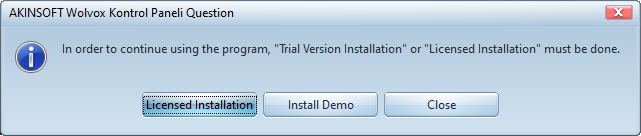
In version 8.04.01, the program has two different installation options at first boot. You must have internet connection in both options. If you have a license , licensed installation can be selected on this screen.
1) Licensed Installation
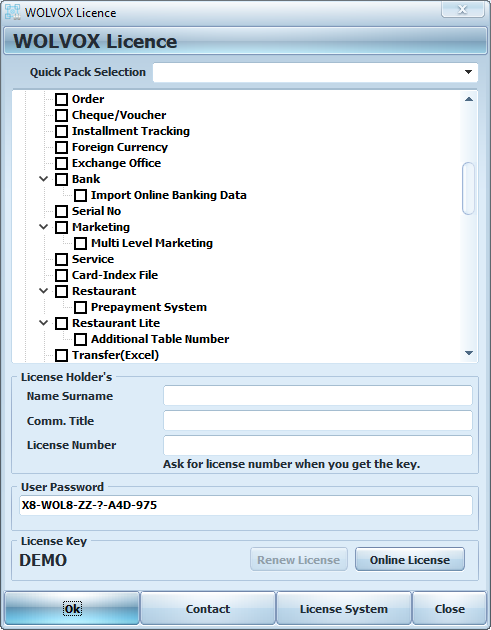
You can complete the licensing process with your license number and password by clicking the "Online License" button. If you do not have a license, you can click the "Install Demo" button for create a new demo or define existing demo registration to control panel.
2) Install Demo
If you do not have a license, you can click the "Install Demo" button.
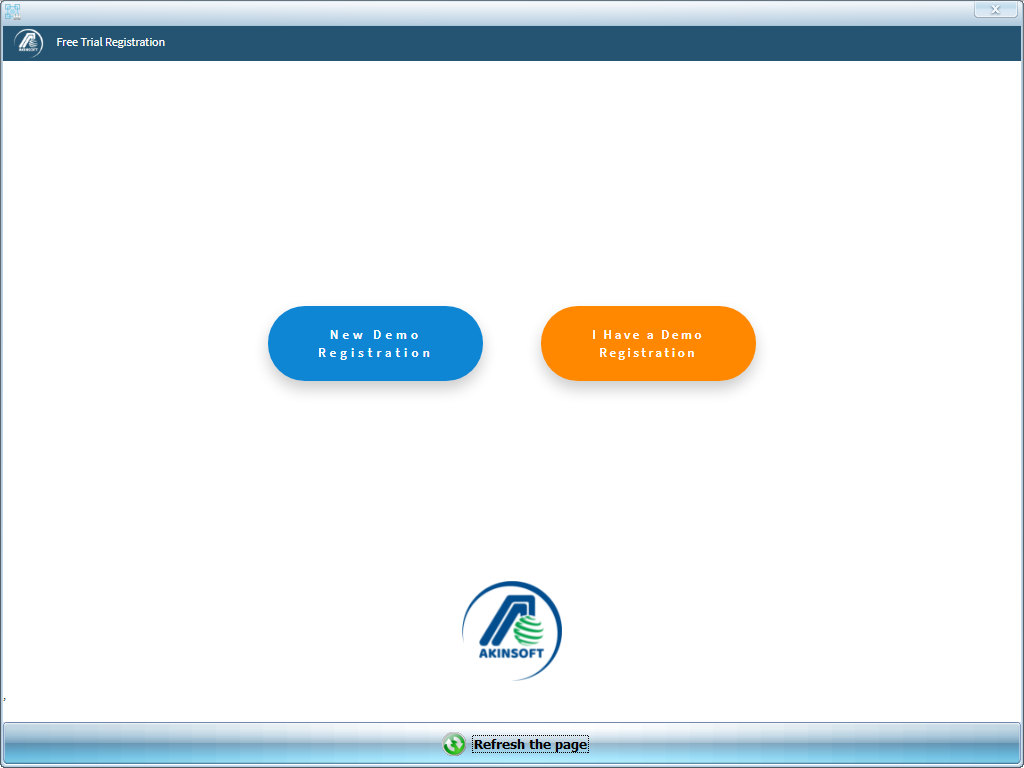
From the screen that open, you can press the "New Demo Registration" button if you do not have a demo registration or you can define it by pressing the "I Have a Demo Registration" button on the control panel if you have a demo registration.
2.1) New Demo Registration
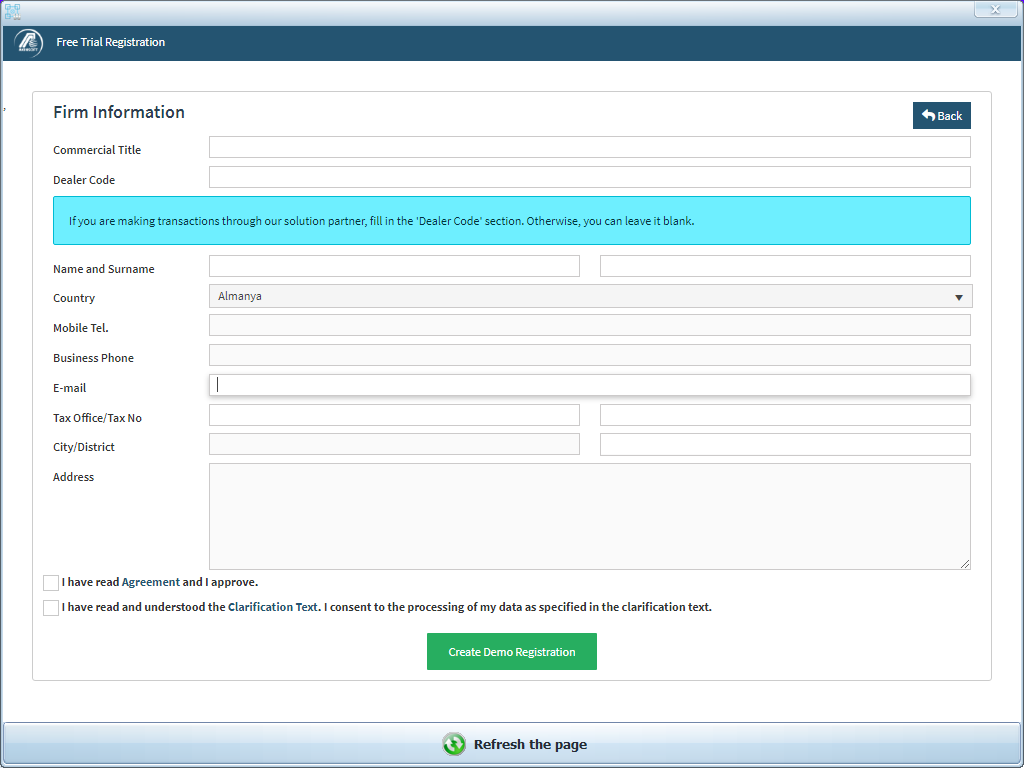
You can click the "Create Demo Registration" button after filling out the informations in the form when you press the "New Demo Registration" button and ticking the "Agreement" and "Clarification Text" boxes.
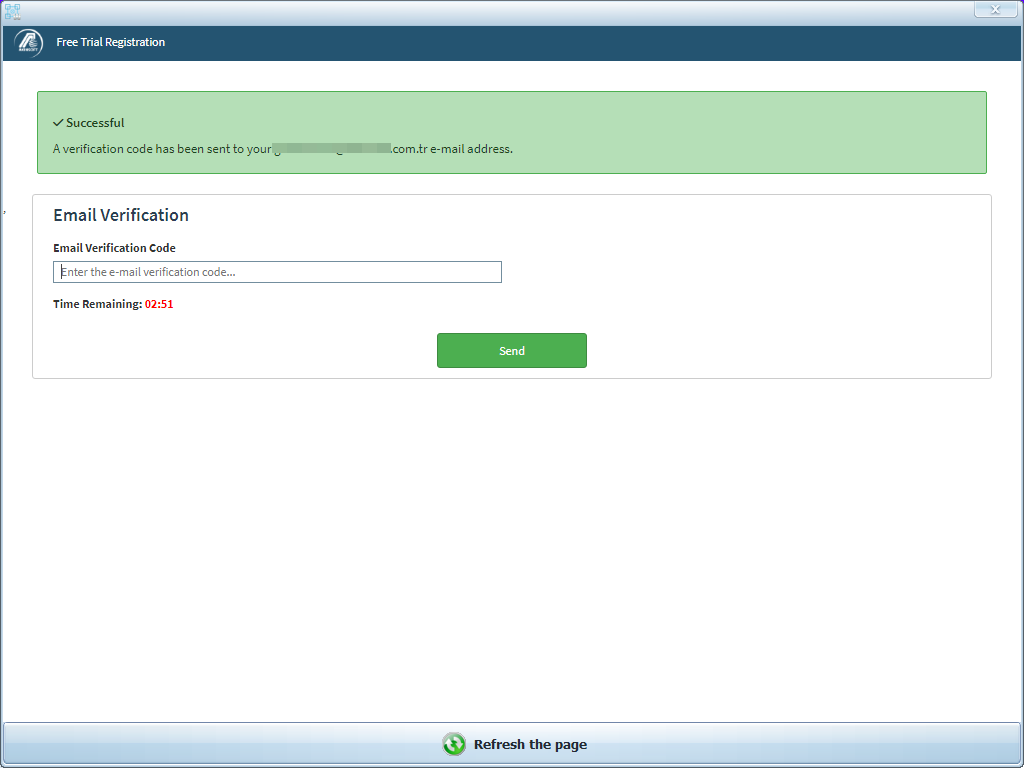
You can complete the demo registration process with the verification code that will be sent to the e-mail address you specified during registration.
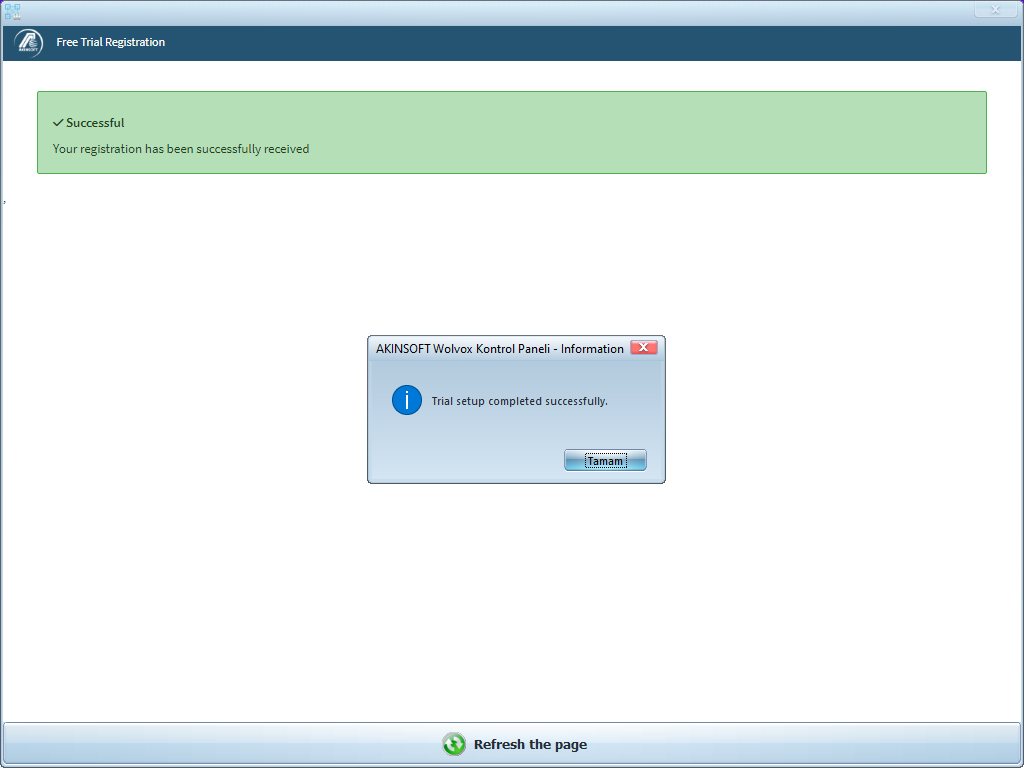
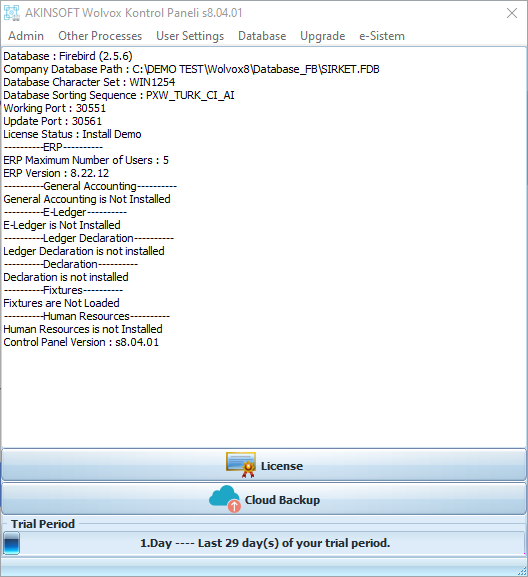
After the installation is completed, your 30 day trial period will be defined.
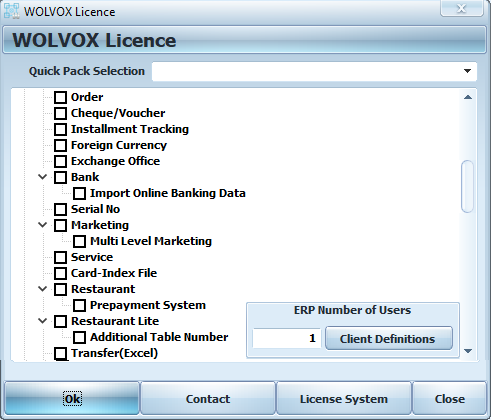
You can customize your demo by ticking the boxes next to its packages, or you can test it with quick packages from the "Quick Pack Selection" area.
2.2) I Have a Demo Registration
When you press the "I Have a Demo Resgistration" button, you will see a window like the one below.
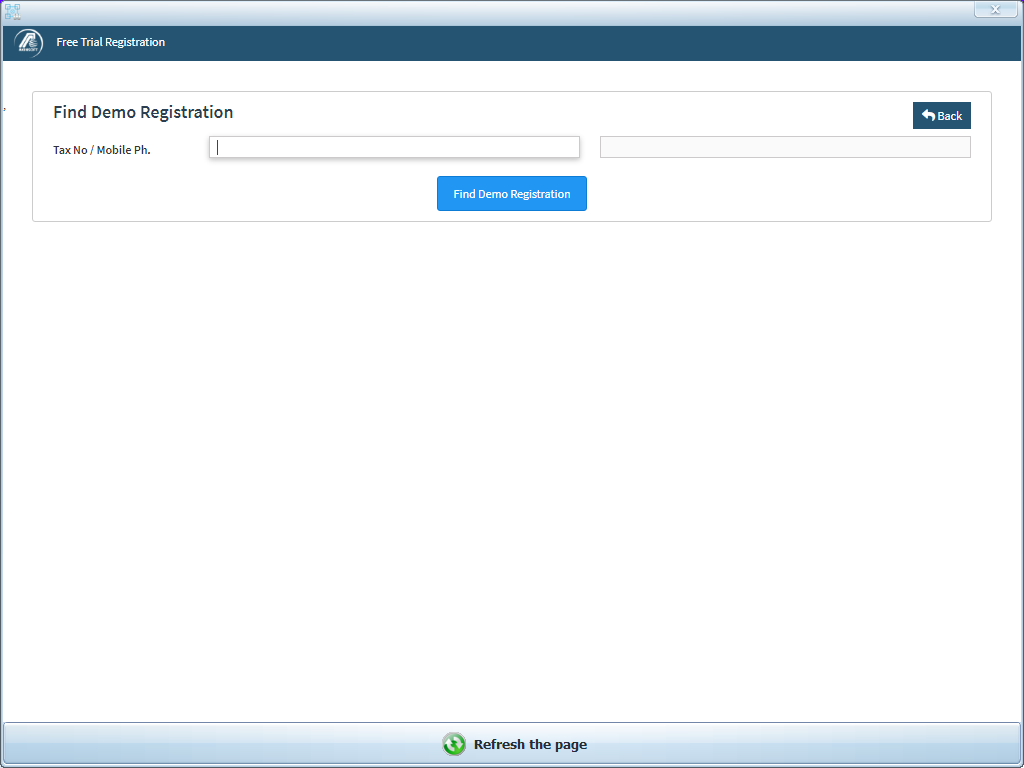
On the next screen, you can enter your tax number and phone number information of your current demo registration and press the "Find Demo Registration" button.
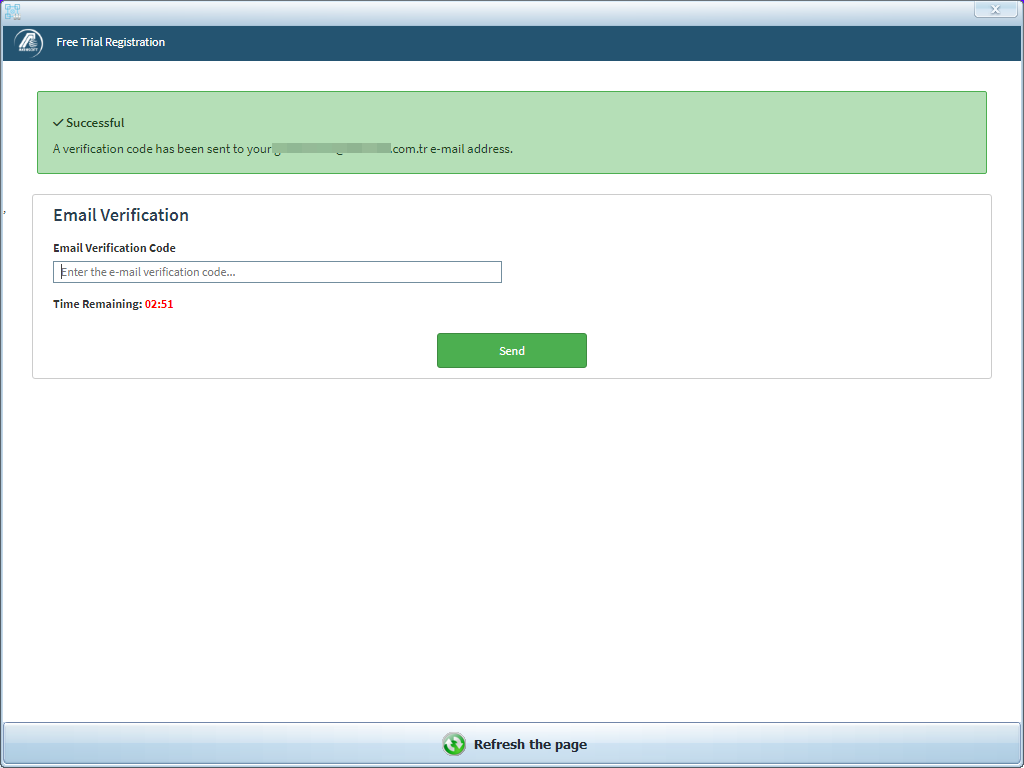
You can complete the process with the verification code that will be sent to the e-mail address you specified during registration.
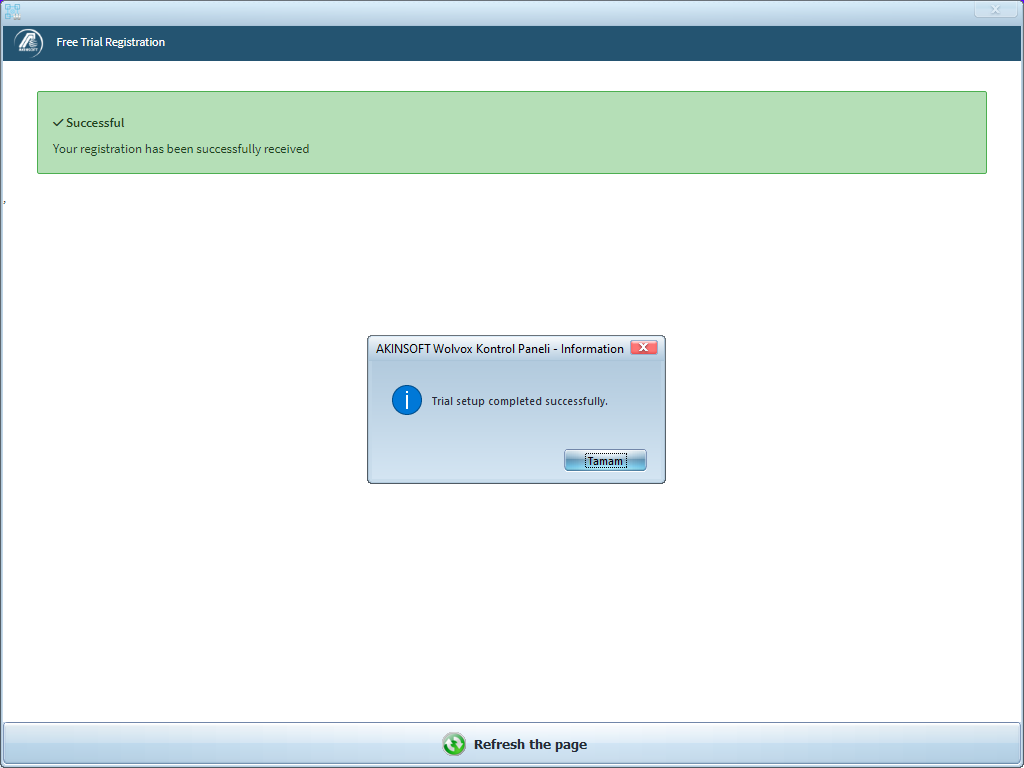
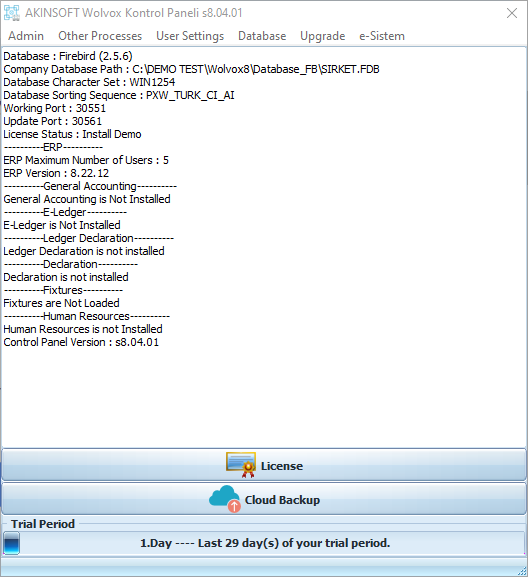
After the installation is completed, your 30 day trial period will be defined.
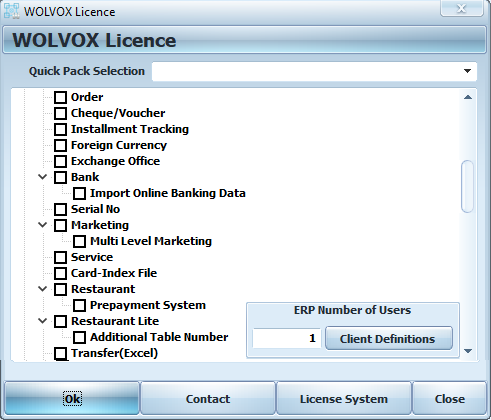
You can customize your demo by ticking the boxes next to its packages, or you can test it with quick packages from the "Quick Pack Selection" area.
Kaynak: AKINSOFT Bilgi Bankası (A3457) — orijinal makale
Aynı kategoriden diğer makaleler
Sorun devam mı ediyor?
AKINSOFT Malatya Ana Bayiniz olarak yerinde ve uzaktan destek veriyoruz.